Emails: What are Email Templates?
What are Email Templates?
Templates are emails that you send out often to all your members, a target group of members, and individual members. Learn more below:
- How to Send Emails: You can use the filters in the members manager to choose specific subsets of members to receive a template.
- How to Create and Edit Templates: Some common uses for templates are newsletters, explaining how to enter and manage an account, or just a simple template that has your signature on the bottom so you don't have to constantly retype it.
How to send a template
You may send an email template to members from the following areas in your dashboard:
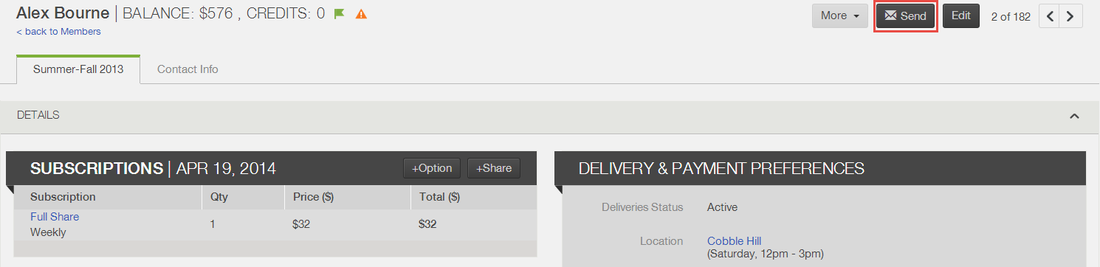
- Individual Member Files: From a member file, you may click on the Send button in the upper right corner and then select the email template to send.
- Filtered Group of Members: From the Members manager, find the targeted group of members, and select the Email button in the upper right corner.

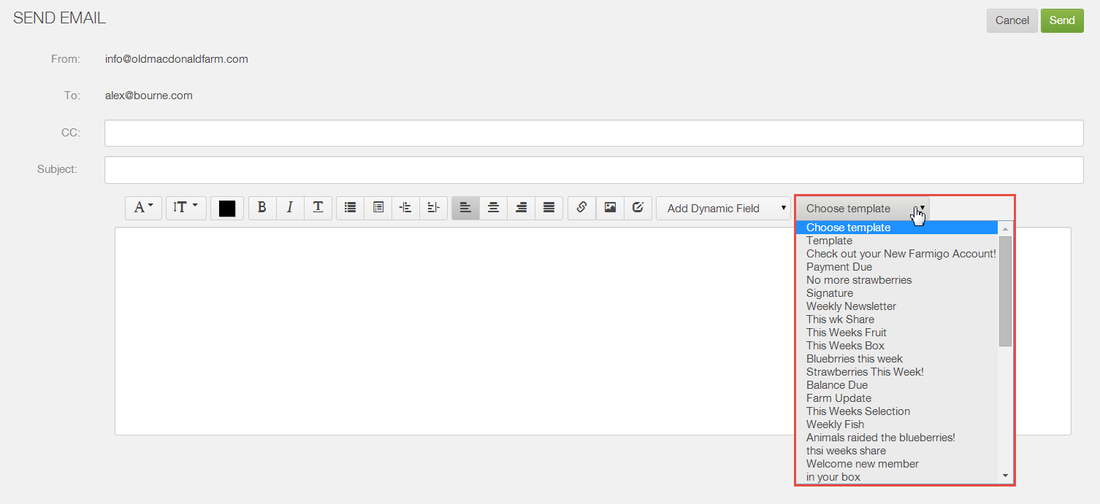
When the email prompt appears, select the template from the editor's toolbar, edit the email as desired and click send.
How to create a Template
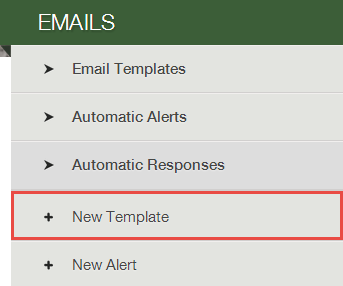
Go to the Settings manager and select + New Template under Emails.
- In the CC field, enter an email address if you want someone to be copied on the email each time that it is sent.
- The Subject and Body of the email are completely editable by you.
- Click here to learn more about the different features for formatting your emails. (Click here to learn about dynamic fields.)
How to review and edit Templates
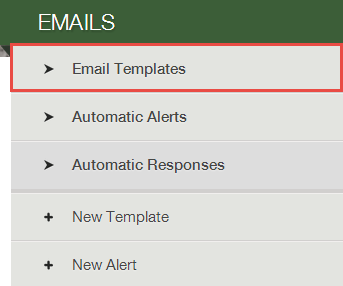
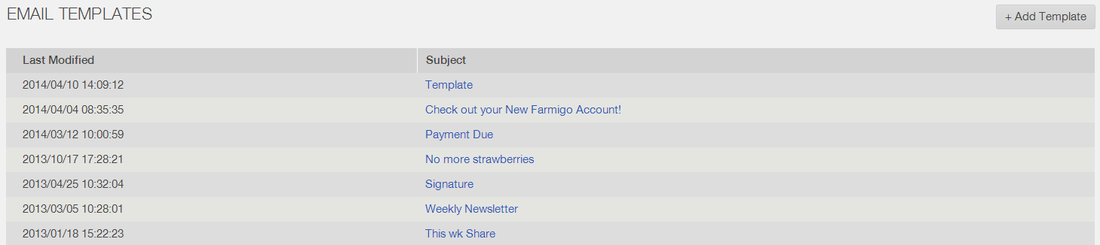
To find your list of templates, go to the Settings manage and select Email Templates under Emails. Select the email that you would like to edit and click the Edit button in the upper right corner. Click here to learn more about the different features for formatting your emails.

Did this article answer your question?
You might also find these helpful
Still have questions?
Our support team is here.