Adding Payment Methods
|
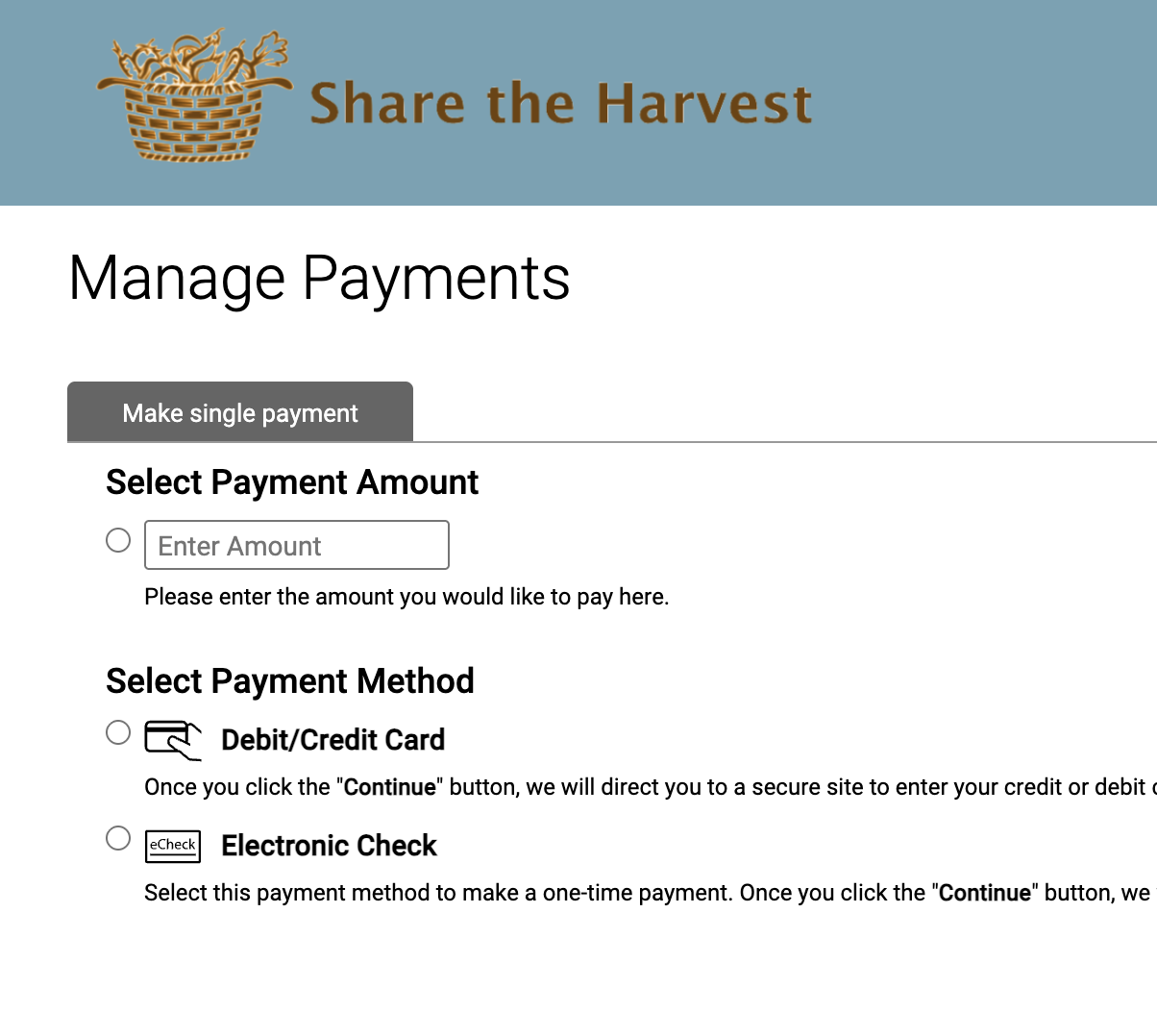
You can add or remove payment methods to your "Make Payment" page that members see once they are existing members from within their account. |
See also: |
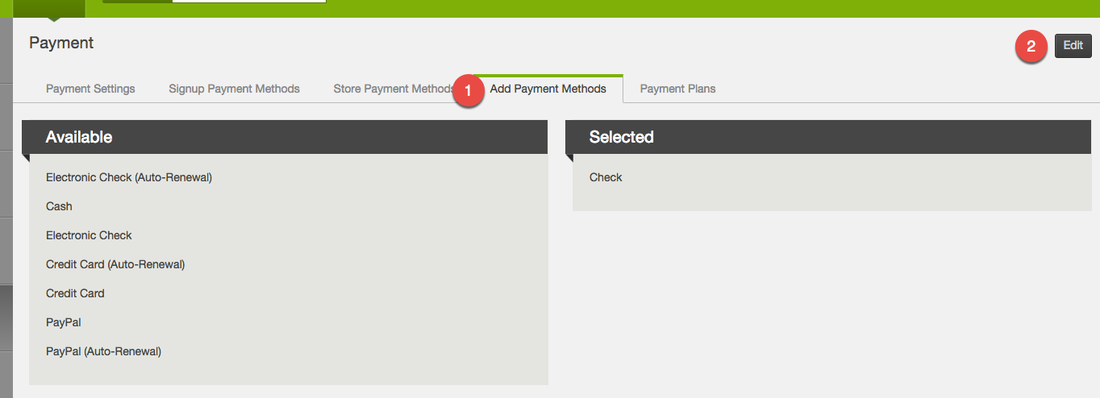
Select Add Payment Methods then "Edit" for the payment you would like to edit.
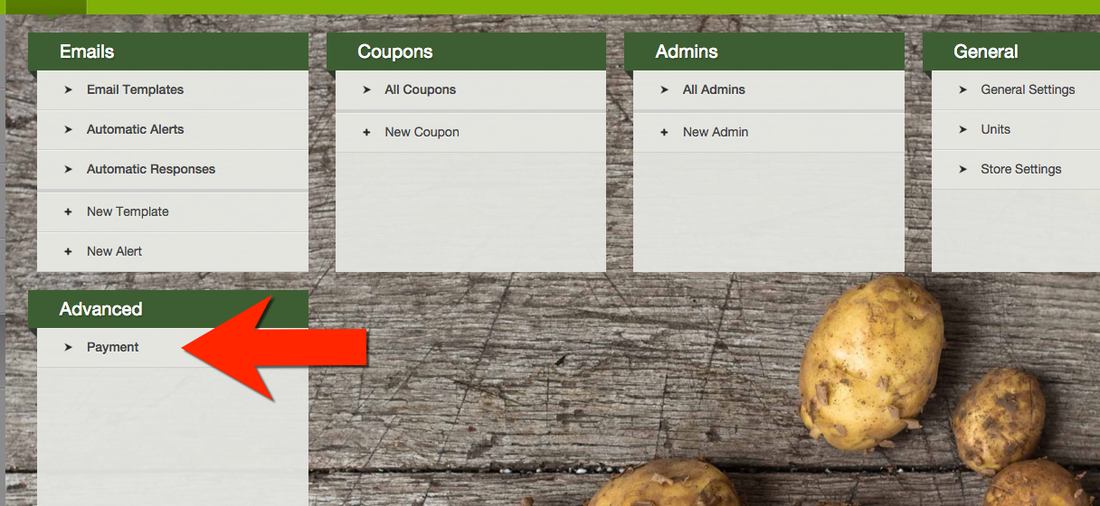
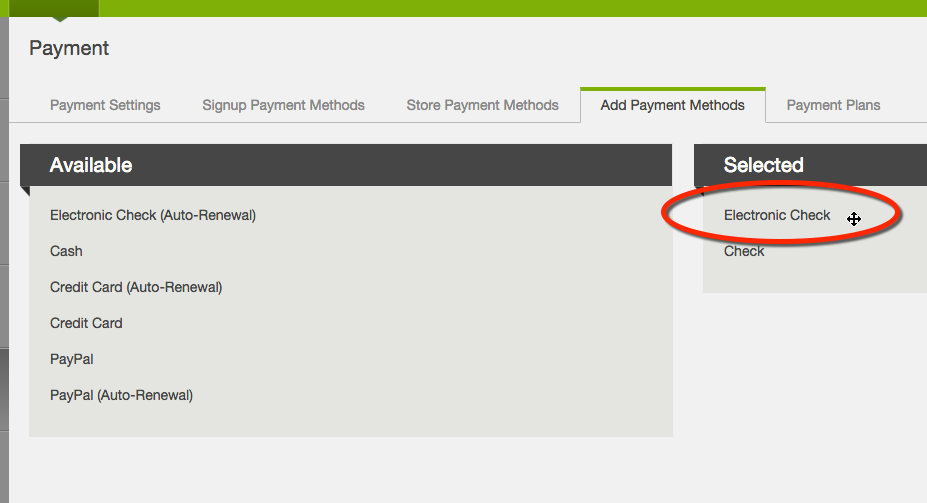
In the "Available" section on the left hover over the payment method you would like to add. When it turns into a cross drag the method over to the selected section. Repeat as necessary.
To remove a payment, drag it from "Selected" to "Available".
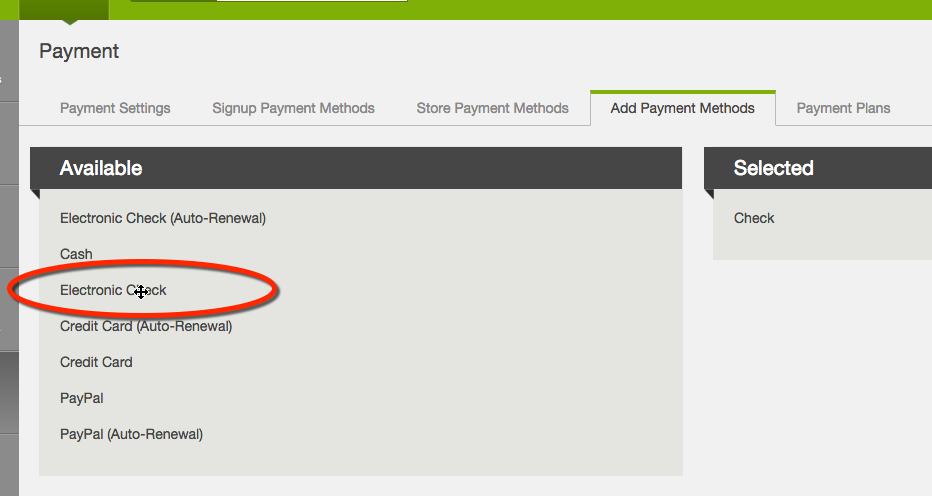
To add a payment, drag it from "Available" to "Selected".
Push save and your payment methods will be updated.
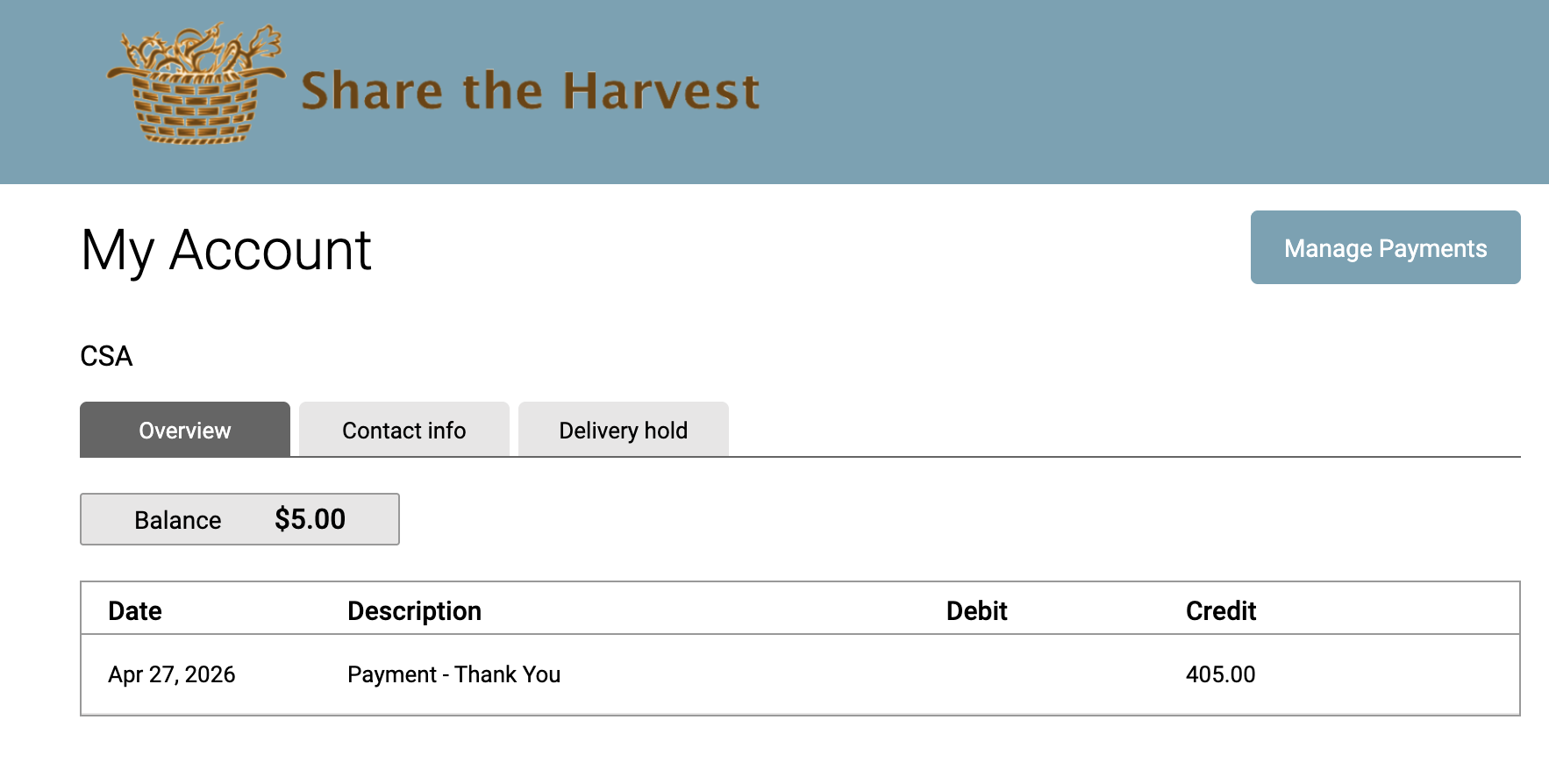
These payment methods are visible when a member is in their account and clicks Make Payment to send you an extra payment.
Did this article answer your question?
You might also find these helpful
Still have questions?
Our support team is here.