What should be included in my policy?
How do I set up the link for my Terms and Policies?
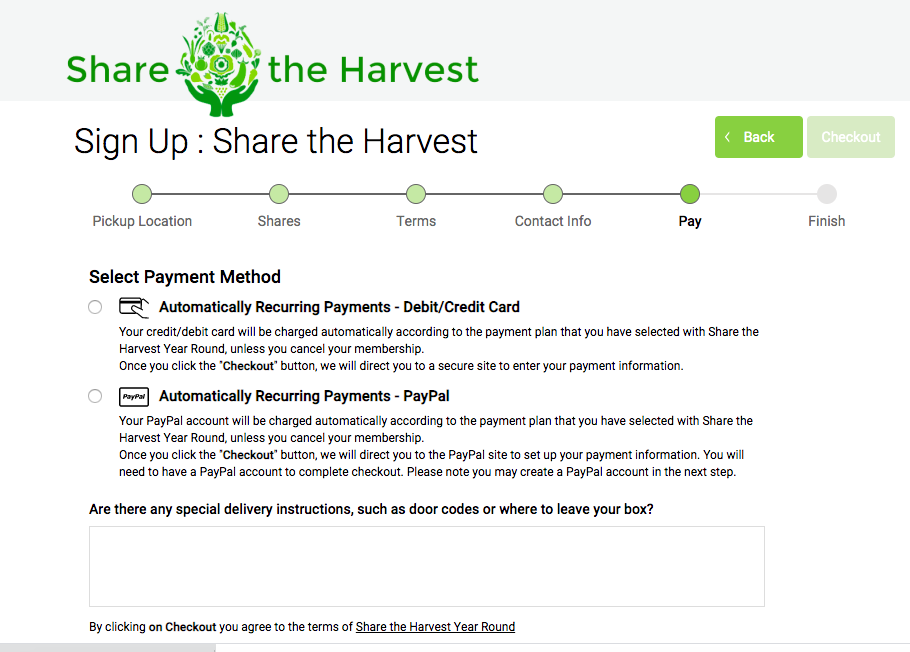
All members must agree to your terms and conditions at sign-up. In the final pay or checkout screen they will be presented with the text informing them that they are agreeing to the terms when they checkout. Members have the option to click a link to review your policies before they complete the checkout process. Learn more about:
- How to set up your policies link from your Farmigo dashboard (Settings > General > General Page)
- What to include in your policies
Join link
Store link
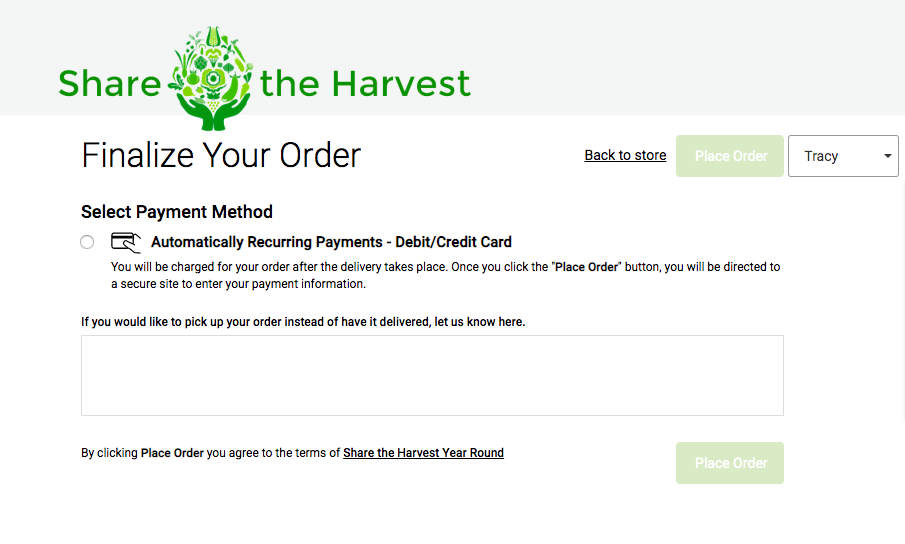
How to Integrate your Policies into your Member Interface
- Post your policies online. Your policies must be posted to your website and linked to Farmigo.
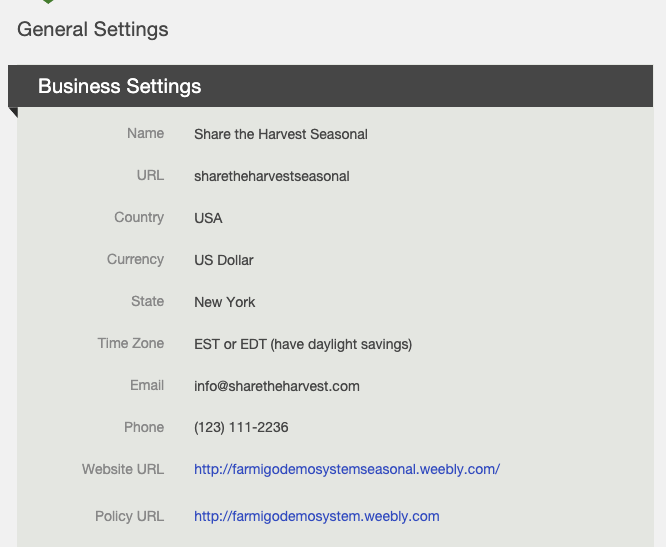
- Copy the URL for where your policies are posted online. (This is the link that appears in the address bar of your browser when viewing your policies online.)
- From your Farmigo dashboard, go to Settings → General → General Page.
- Click Edit in the upper right corner.
- Paste the URL next to Policy URL, under Farm Info.
- Save changes.
What to Include in your Terms & Conditions
At minimum, all businesses must post a refund, cancellation, and privacy policy in their terms and conditions. Credit Card Underwriting will verify this information when your account is set-up. Also, your policy is a great place to introduce your members to the way your program works. You can format your policy however you would like and post it to your website.
Mandatory Information
- Refund Policy
- Cancellation Policy
- Privacy Policy
Other Helpful Information
- What happens when a member misses pick-up?
- When can members add items to their orders?
- When can members change their delivery location?
- When can members put their account on hold?
Did this article answer your question?
You might also find these helpful
Still have questions?
Our support team is here.