How Can I Tell if a Member has Auto-pay?
How can I tell if a member has auto-pay?

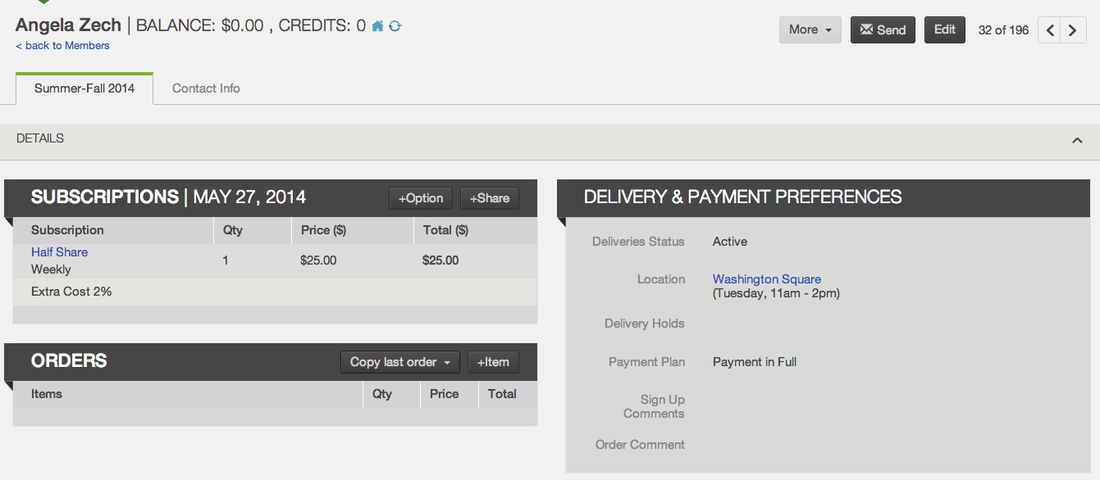
The icon to the left is a payment token. You will see this icon in your list of subscribed members and in member account pages. This symbol indicates that the member has a credit card, bank account or PayPal account stored on file and attached to their subscription. This allows them to be charged automatically according to their payment plan.
- To edit the payment details on file for a member, click More and select Manage Payment Method.
- To charge the member using their payment information on file, click More and select Charge.
- Click here to learn more about how to manage a member's electronic payment information on file
Related Articles
Did this article answer your question?
You might also find these helpful
Still have questions?
Our support team is here.