Signing up a member who already has a Farmigo account
Signing up a member who already has a Farmigo account
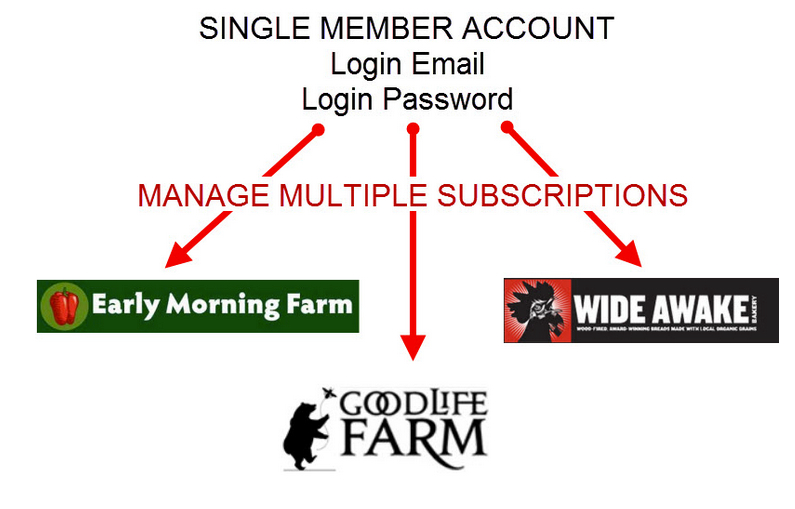
In Farmigo, only a single member account is created per email address. This account can be used to sign-up for multiple programs. This means that when a member makes an account with a company that uses Farmigo to manage their signup process, that login information will be the information they should use when signing up for any other company that uses Farmigo.
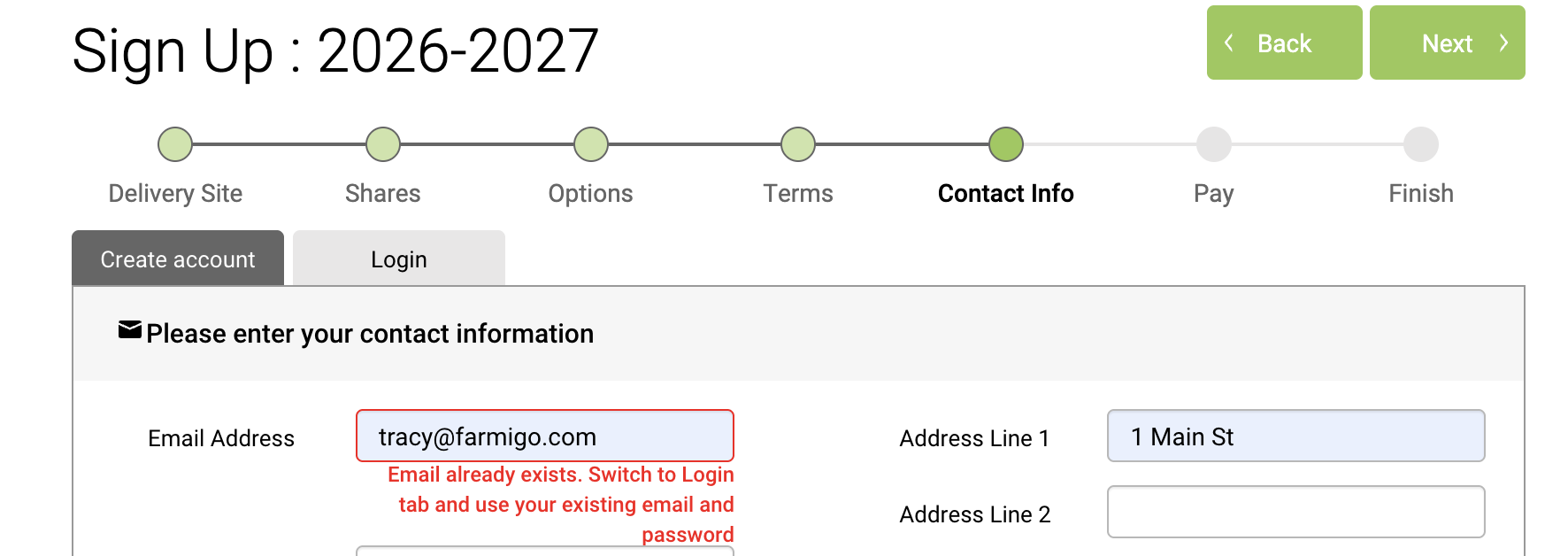
When a member gets to the Contact Info step of the sign-up process and clicks "Create account with Email," if they have already created an account with another company that uses Farmigo they will see the message "Member with this email already exists."
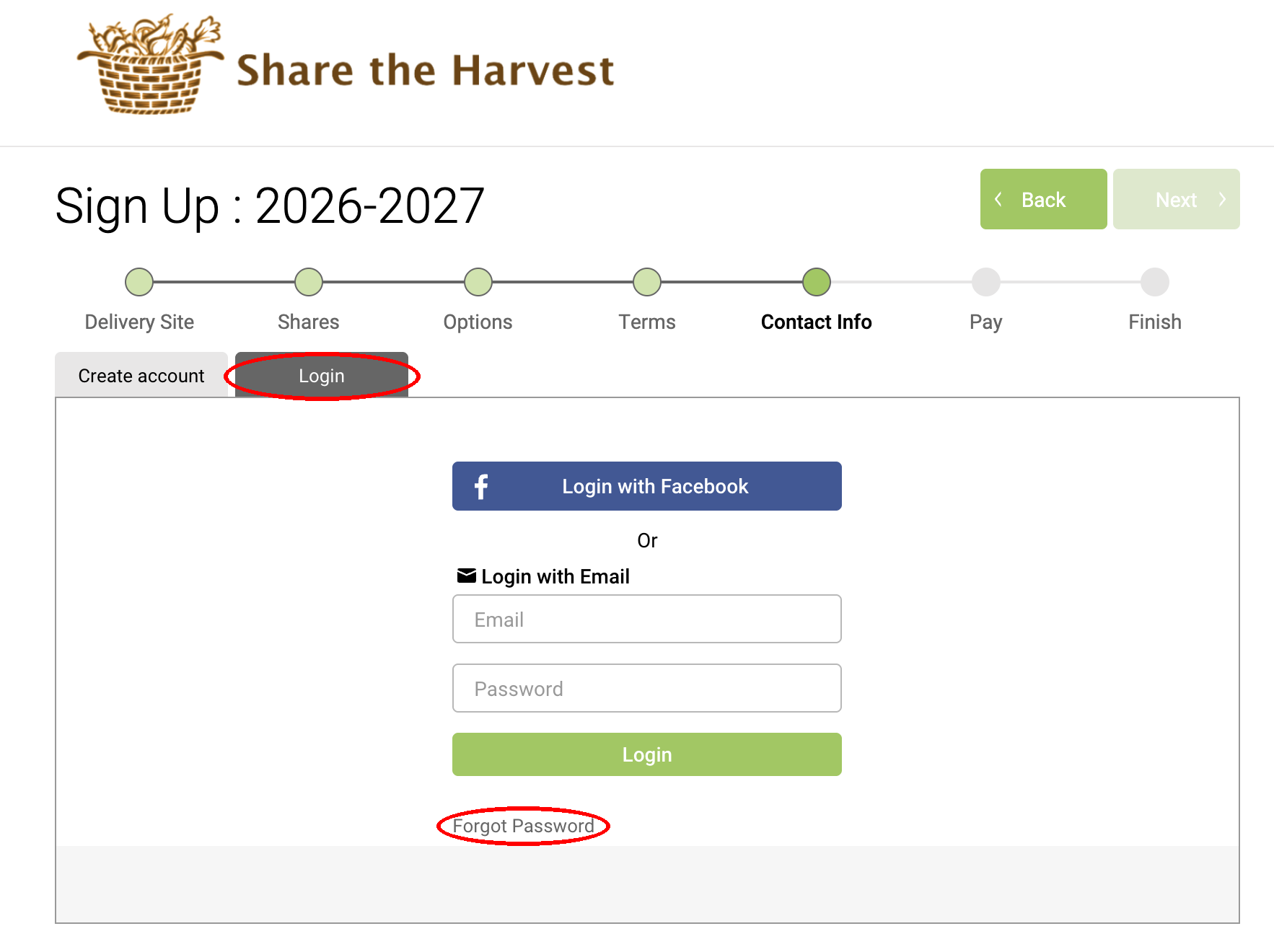
In this case, the member should click the Back button and select "Already have an account? Login." They should then enter their email address. If they do not remember their password, they can click "Forgot Password," and we will email them instructions on how to reset their password. Once the member completes resetting their password, they can complete sign up.
Did this article answer your question?
You might also find these helpful
Still have questions?
Our support team is here.